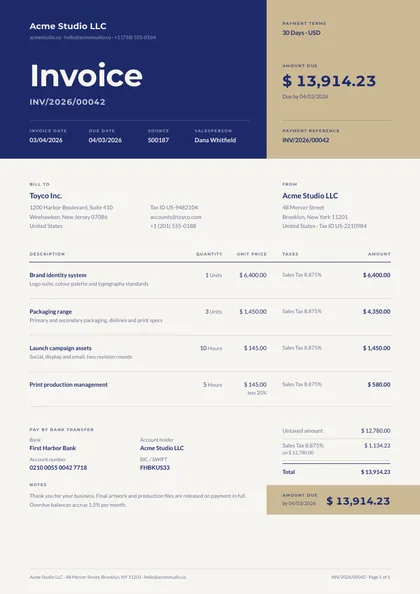
Band header · Royal & bone · Montserrat + Lato
expressive A4 portrait 1 page
See the full document
Use this template
Odoo
An invoice whose fields are Odoo's own — partner_id, invoice_line_ids, amount_total, tax_totals — so the pdfs.build module for Odoo maps it to a customer invoice with nothing typed, and your company's document-layout colours and logo come through from Settings.
2 designs, each a separate take on the same document rather than a recolour of one layout: Band header and Minimal, type-led. Every preview below is the actual compiled output, not a mock-up.
Open one in the editor and render it from your own JSON over the API — 1 page of A4 portrait, the same engine either way.
Printing from Odoo? These designs map to Odoo's own fields with no expression to write Band header · Royal & bone · Montserrat + Lato
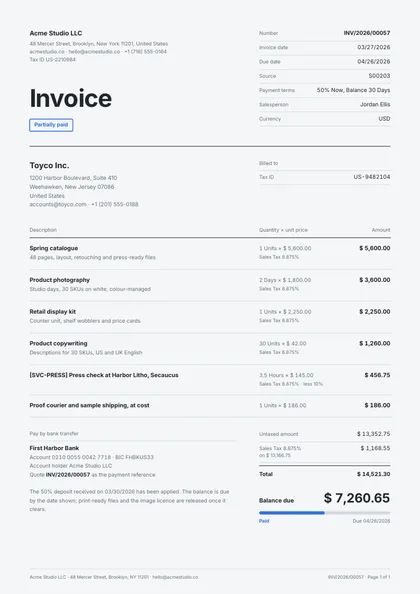
Minimal, type-led · Graphite & azure · Inter only
Same document, same data model, 2 different arguments about how it should look on paper. Pick on layout and typography — the content behaves identically.
| Design | Layout | Palette | Typefaces | Pages |
|---|---|---|---|---|
| Stub Band | Band header | Royal & bone | Montserrat + Lato | 1 · A4 portrait |
| Tally Margin | Minimal, type-led | Graphite & azure | Inter only | 1 · A4 portrait |
Each design is authored against an explicit reflow contract, so it is defined up front which blocks are emitted once per record and which fields absorb longer content. That is what stops the layout falling apart at a hundred rows.
| Design | Repeats per record | Grows with your data |
|---|---|---|
| Stub Band | invoice lines (table rows; the column heads repeat on page break); tax groups in the totals ladder | the customer address; line descriptions; the narration; the bank block |
| Tally Margin | invoice lines (each a measure row with its figures hung in the margin; the column heads repeat on page break); the margin's fact rows; tax groups in the tally | the customer address; line descriptions; the narration; the payment block |
Open a design in the editor and the agent reshapes it around your schema — then render it from your own data over the API, or let your users edit it in the embedded editor.