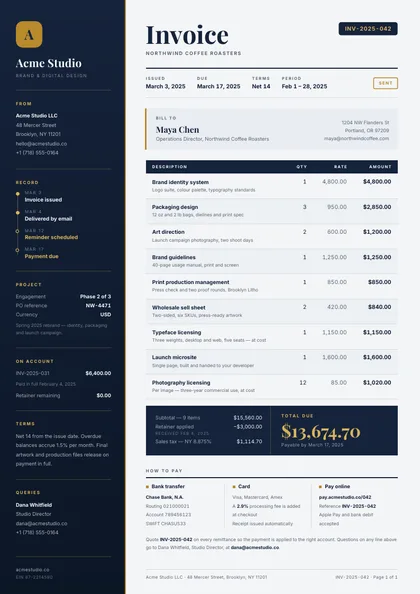
Side rail · Navy & brass · Playfair Display + Inter
expressive A4 portrait 1 page
See the full document
Use this template
Finance
An invoice has to be right and it has to get paid. Sender and bill-to blocks, a line-item table that holds at one row or a hundred, a totals panel that reads at a glance, and payment terms nobody can miss.
8 designs, each a separate take on the same document rather than a recolour of one layout: Side rail, Boxed form planner, Band header, Diagonal split, Editorial serif, Minimal, type-led, Swiss grid and Organic arches. Every preview below is the actual compiled output, not a mock-up.
Open one in the editor and render it from your own JSON over the API — 1 page of A4 portrait, the same engine either way.
Generating these from your own data? See how invoices render over the API Side rail · Navy & brass · Playfair Display + Inter
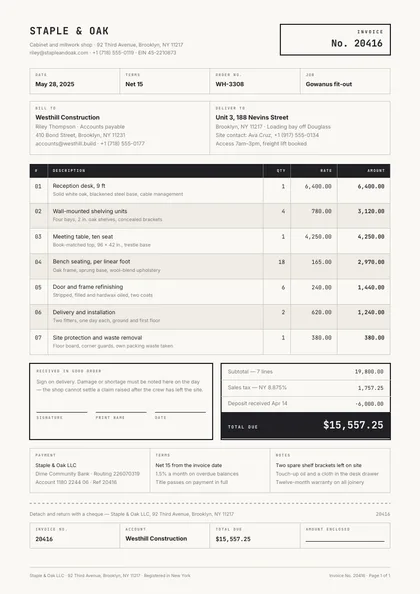
Boxed form planner · Ink & cream · JetBrains Mono + Inter
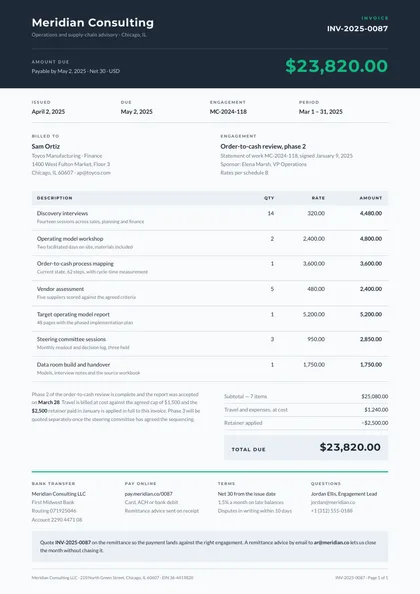
Band header · Slate & emerald · Montserrat + Lato
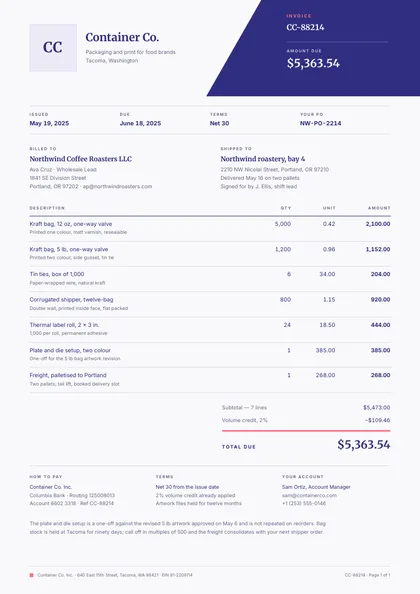
Diagonal split · Indigo & coral · Merriweather + Inter
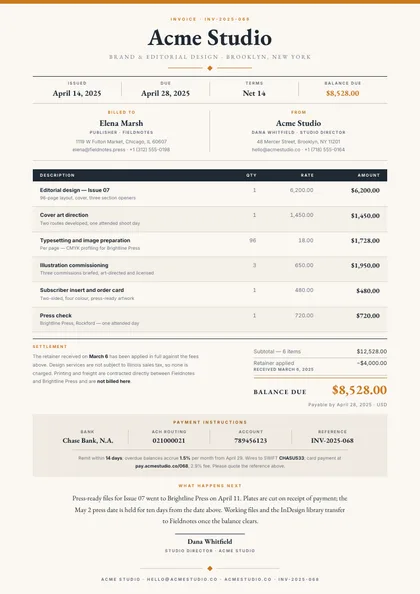
Editorial serif · Ochre & ink · EB Garamond + Inter
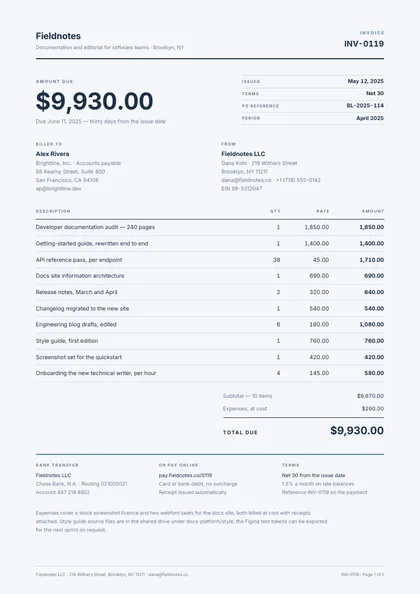
Minimal, type-led · Steel & blue · Inter only
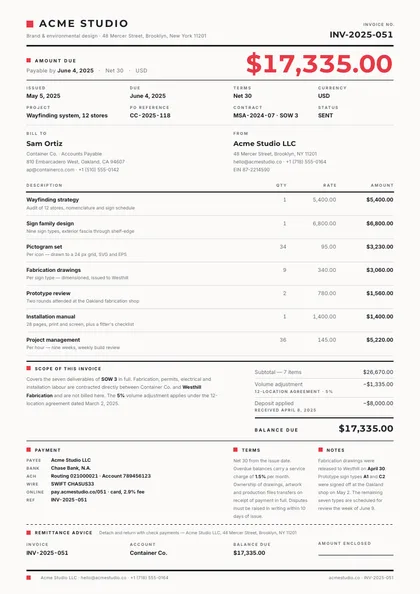
Swiss grid · Charcoal & signal · Montserrat + Inter
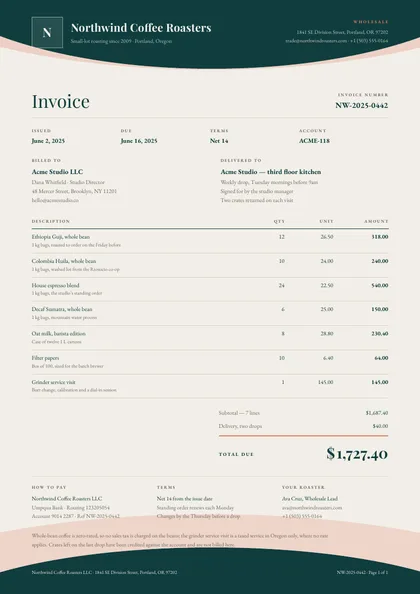
Organic arches · Teal & coral · Playfair Display + EB Garamond
Same document, same data model, 8 different arguments about how it should look on paper. Pick on layout and typography — the content behaves identically.
| Design | Layout | Palette | Typefaces | Pages |
|---|---|---|---|---|
| Ledger Rail | Side rail | Navy & brass | Playfair Display + Inter | 1 · A4 portrait |
| Carbon Copy | Boxed form planner | Ink & cream | JetBrains Mono + Inter | 1 · A4 portrait |
| Due Band | Band header | Slate & emerald | Montserrat + Lato | 1 · A4 portrait |
| Mark Wedge | Diagonal split | Indigo & coral | Merriweather + Inter | 1 · A4 portrait |
| Ochre Serif | Editorial serif | Ochre & ink | EB Garamond + Inter | 1 · A4 portrait |
| Quiet Slip | Minimal, type-led | Steel & blue | Inter only | 1 · A4 portrait |
| Swiss Grid | Swiss grid | Charcoal & signal | Montserrat + Inter | 1 · A4 portrait |
| Wave Letterhead | Organic arches | Teal & coral | Playfair Display + EB Garamond | 1 · A4 portrait |
Each design is authored against an explicit reflow contract, so it is defined up front which blocks are emitted once per record and which fields absorb longer content. That is what stops the layout falling apart at a hundred rows.
| Design | Repeats per record | Grows with your data |
|---|---|---|
| Ledger Rail | line items (table rows; header repeats on page break); ladder lines inside the total-due bar; payment-method cells | bill-to address block; the remittance note beneath the payment strip |
| Carbon Copy | line items (table rows; header repeats on page break); the four docket cells | bill-to and deliver-to boxes; item descriptions; the notes box |
| Due Band | line items (table rows; header repeats on page break); the four fact cells; payment columns | bill-to and engagement blocks; item descriptions; the closing note |
| Mark Wedge | line items (table rows; header repeats on page break); the four fact cells; payment columns | bill-to and ship-to blocks; item descriptions; the closing note |
| Ochre Serif | line items (table rows; header repeats on page break); ladder lines in the settlement band; payment cells | the settlement note beside the ladder; the closing note above the signature; both address blocks |
| Quiet Slip | line items (table rows; header repeats on page break); payment columns | bill-to and from address blocks; the closing note; item descriptions |
| Swiss Grid | line items (table rows; header repeats on page break); metadata cells wrap to further rows of four | terms and notes copy; the scope note beside the totals; payment detail list; both address blocks |
| Wave Letterhead | line items (table rows; header repeats on page break); the four fact cells | bill-to and deliver-to blocks; item descriptions; the closing note |
These document sets each include the invoice designs above.
Open a design in the editor and the agent reshapes it around your schema — then render it from your own data over the API, or let your users edit it in the embedded editor.